TikLink
A downloadable TIKTOK for Windows

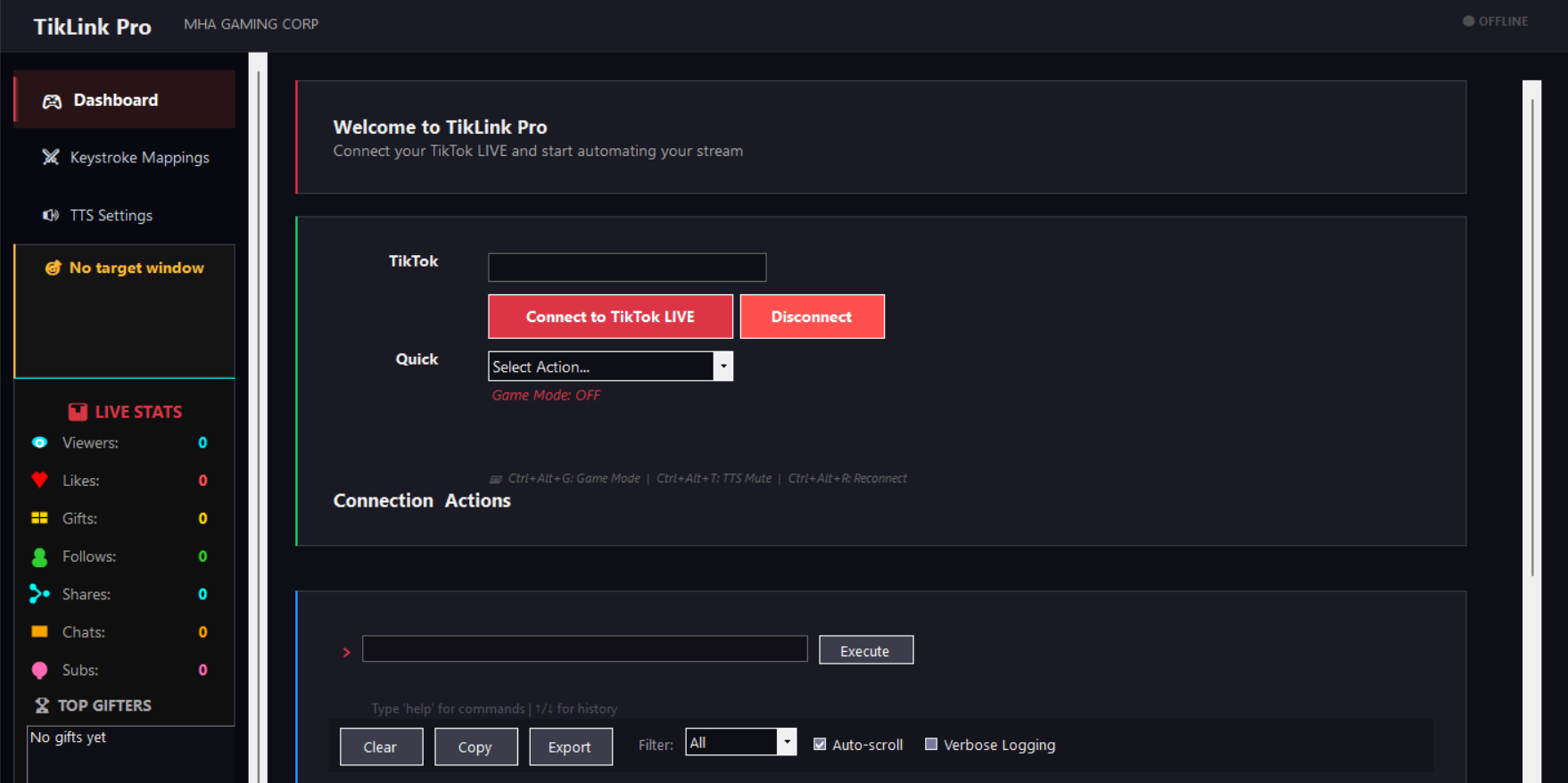
TikLink Pro is a C# .NET 8 WinForms desktop app that connects to TikTok LIVE and automates real-time reactions to stream events. It targets streamers (especially gaming streamers) who want chat/gift interactions to trigger actions in the games they play.
TikTok Integration
Connects to any public TikTok livestream via TikTokLive_Sharp and listens for: gifts, likes, follows, shares, chat messages, joins, subscribes, questions, and polls. Shows a live stats dashboard (viewers, likes, diamonds, top gifters, etc.).
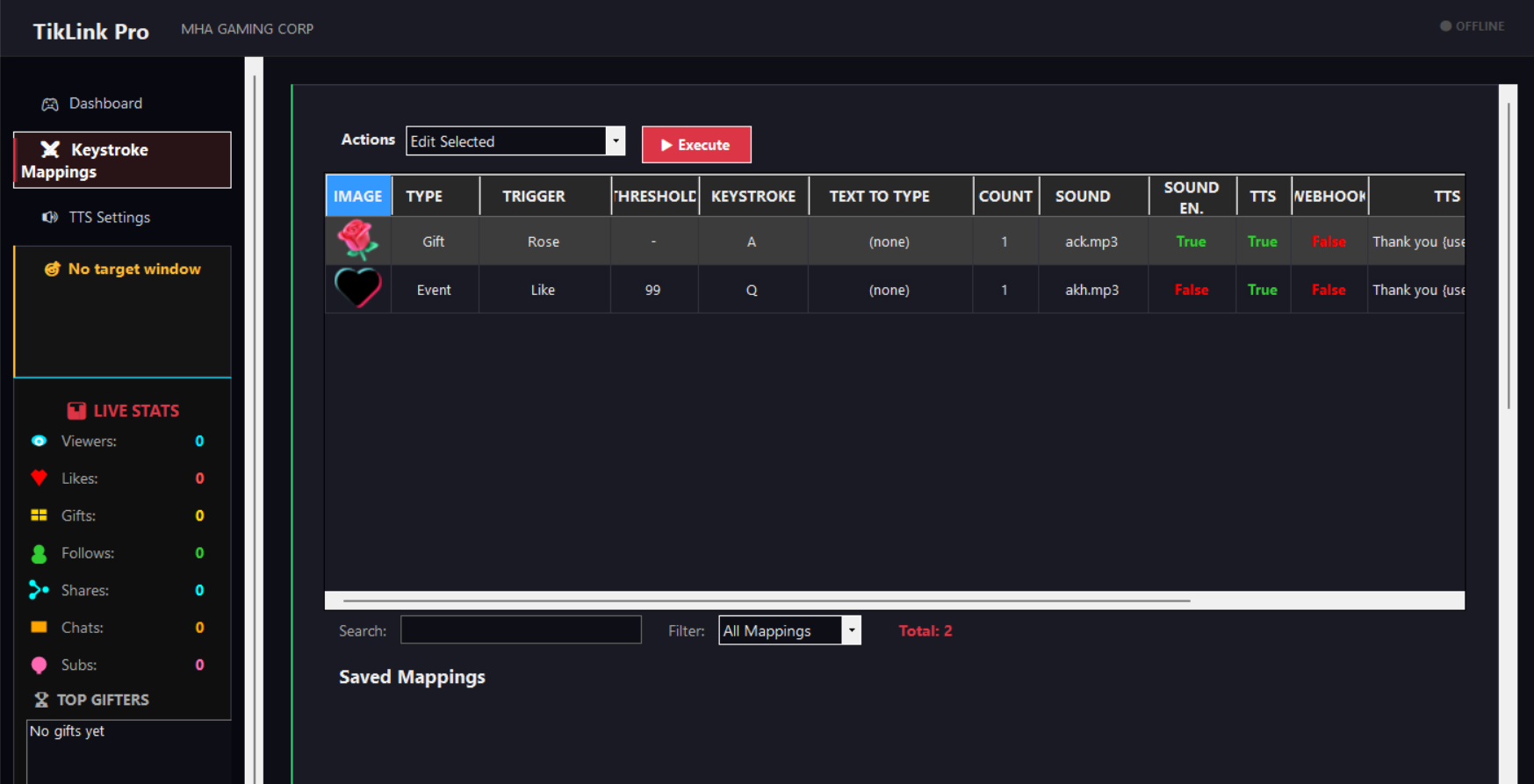
Event → Action Mappings
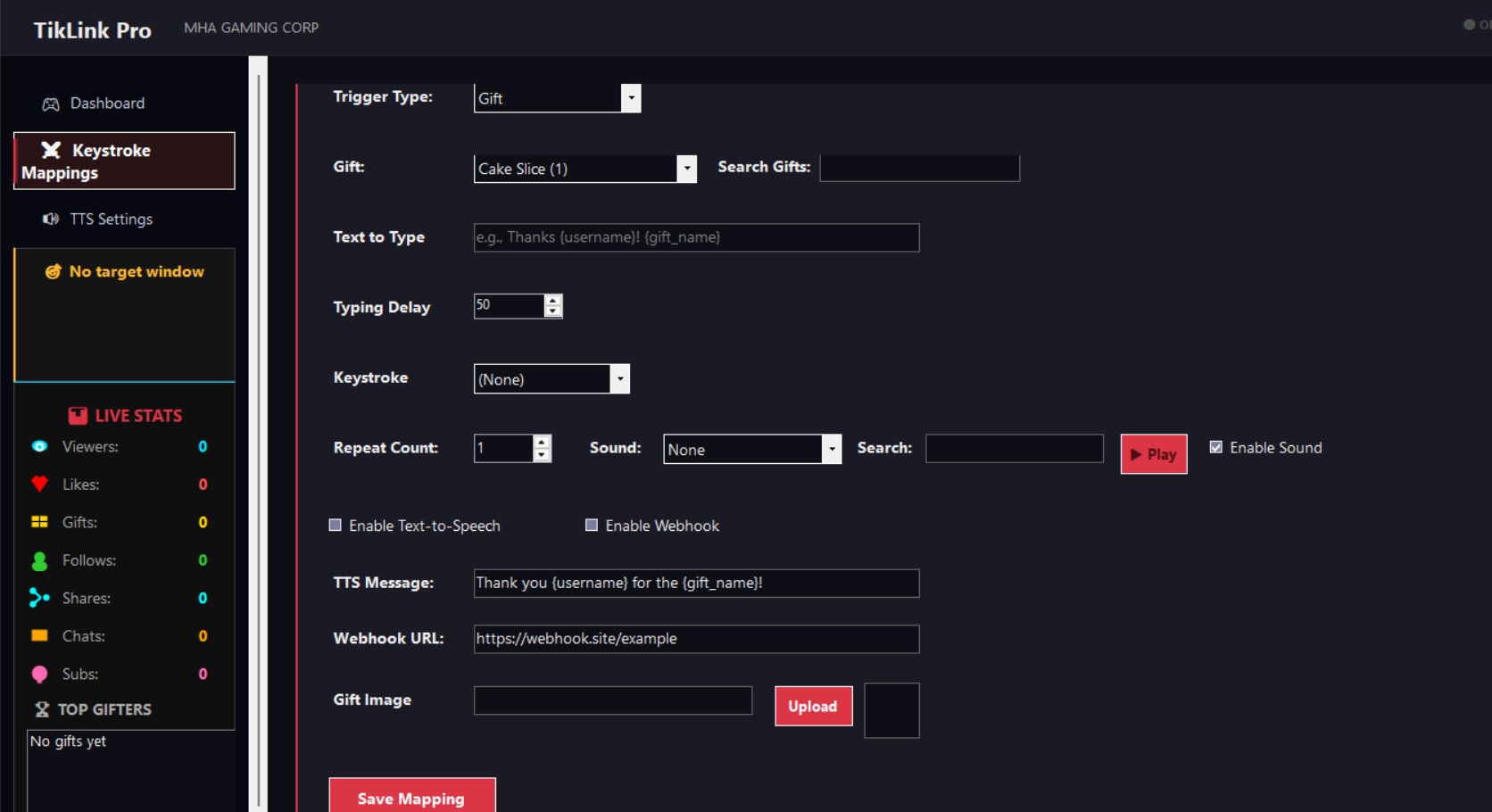
Every stream event can trigger any combination of:
- Keystroke simulation (Win32 SendInput) — press keys into a target window
- Text typing — type chat messages or commands into a focused window
- Sound effects (NAudio mp3 playback)
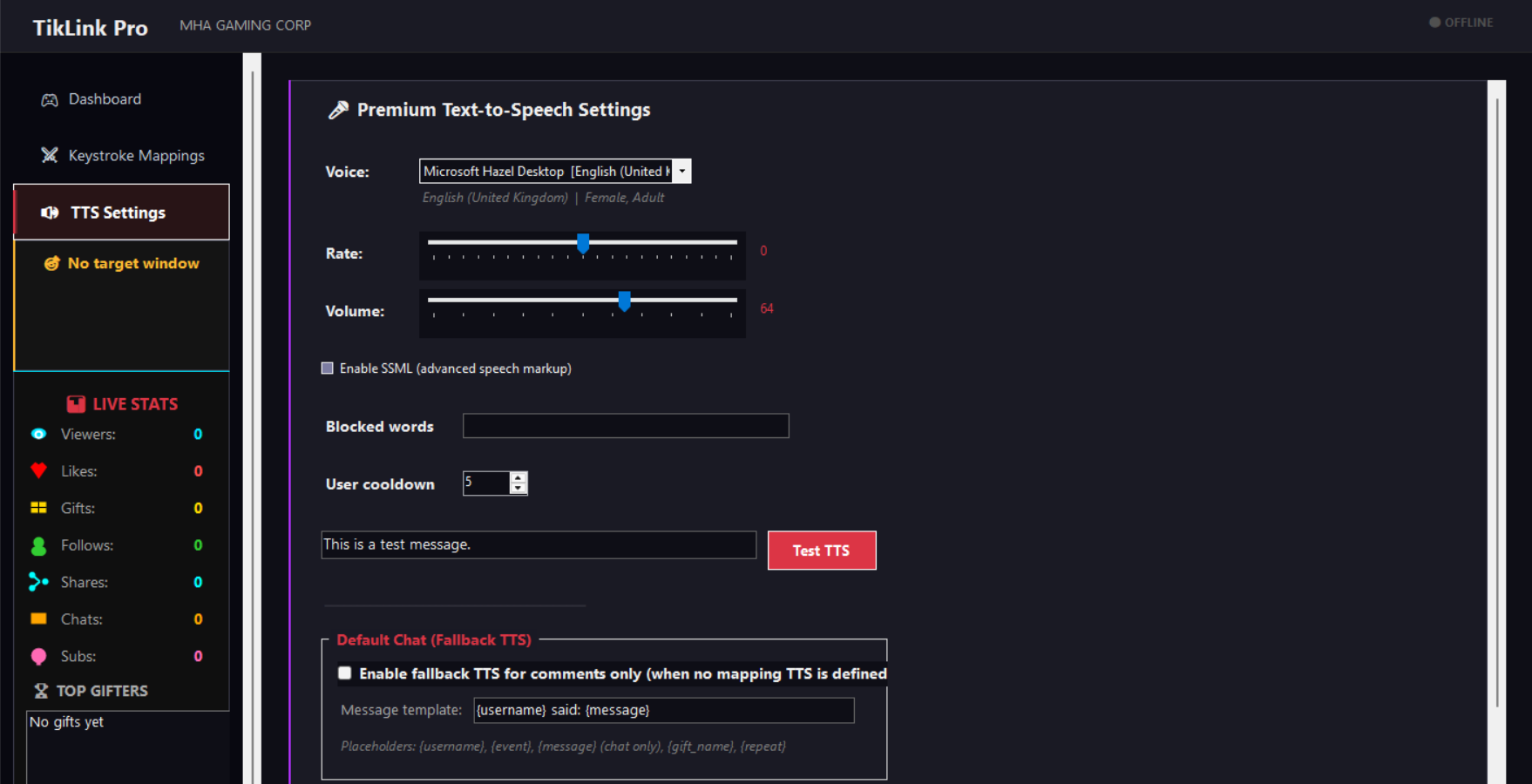
- Text-to-speech (System.Speech, configurable voice/rate/blocklist)
- Webhook POST — send HTTP requests to external servers (e.g., game APIs, stream decks)
- Overlay display — show event notifications on stream via built-in HTTP server
Mappings are stored in mappings.json and support placeholders like {username}, {gift_name}, {event_type}, {message}, {repeat}.
2 Embedded Games — Arena Boss & Arena Shootout
The app ships two HTML5 games embedded as .NET resources inside the executable itself:
- Arena Boss (Arena Boss.html)
- Arena Shootout (Arena Shootout.html)
They are served by the built-in WebSocketServer (port 6722) and launched in a maximized WebView2 (Chromium) window via MainForm.QuickLaunchTarget(). The key purpose: you can set these game windows as the keystroke target, so when a viewer sends a gift or chats, TikTok events trigger keypresses inside the game. This turns viewer interactions into live, in-game actions without alt-tabbing.
Additional Infrastructure
- OverlayWebServer (port 8765) — SSE-based alert overlay for OBS
- WebSocketServer (port 6722) — static file serving + WebSocket event broadcasting + avatar proxy
- Sound Engine — async audio playback with queue support
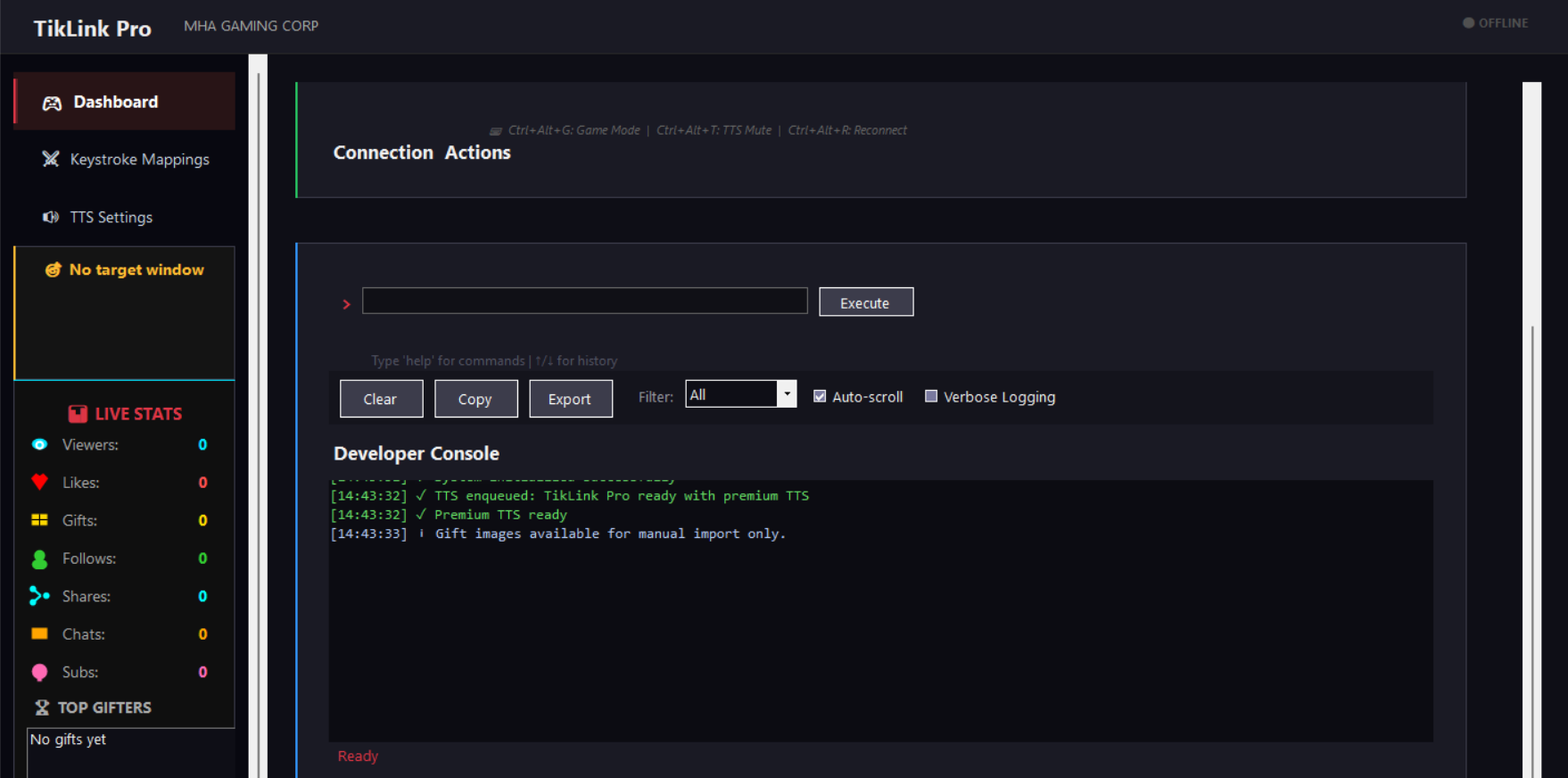
- Console & logging — in-app console with color-coded log levels, file logging, command input
- Game Mode — Ctrl+Alt+G toggle that boosts process priority and hides UI for gaming
Purchase
In order to download this TIKTOK you must purchase it at or above the minimum price of $2 USD. You will get access to the following files:
Leave a comment
Log in with itch.io to leave a comment.